Running the service
Exports
Standing instructions that write a source list to a file, on a cron, into a directory the deployment mounts.
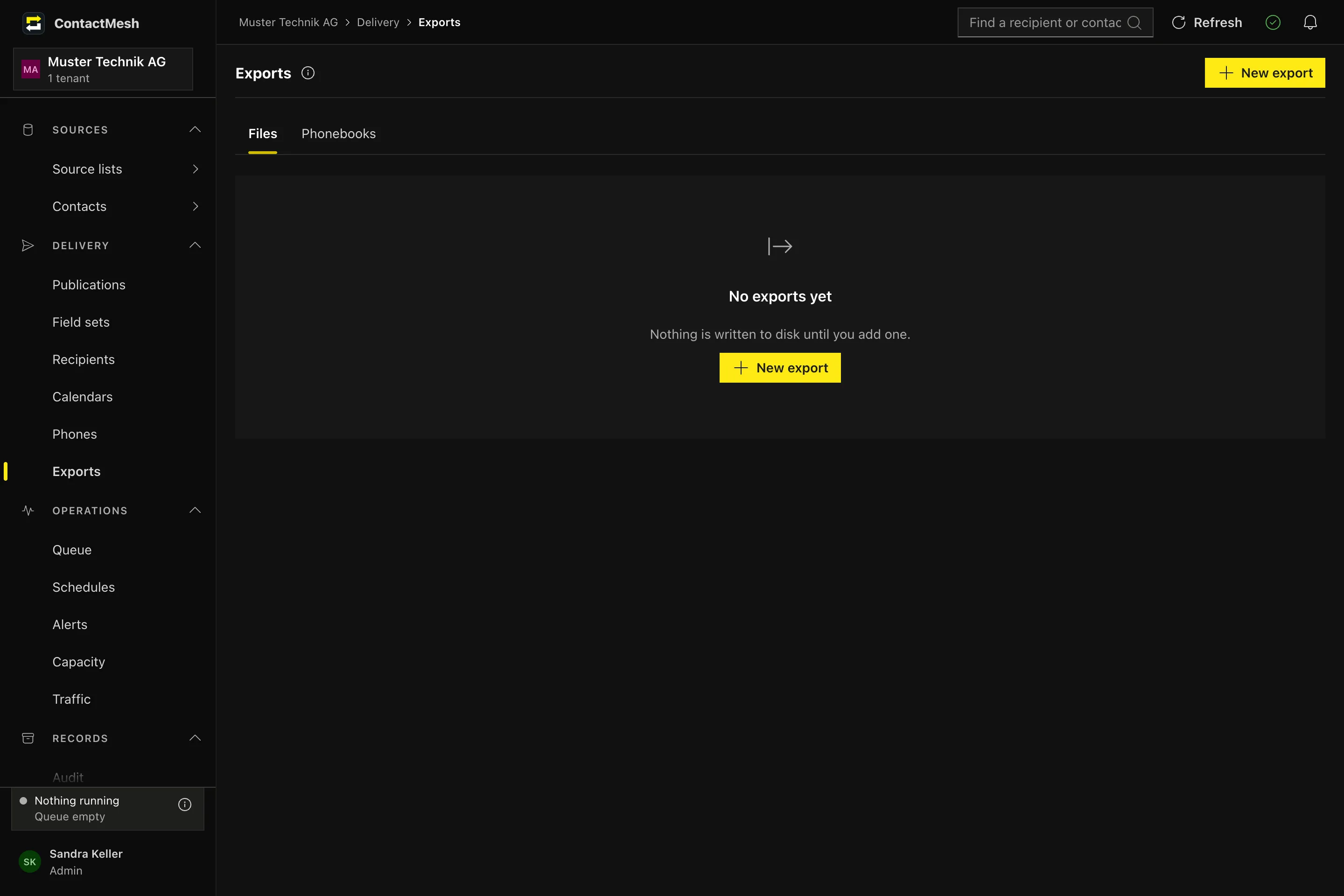
An export is a standing instruction: write one source list to a file, on its own schedule, into a directory the deployment mounts. It is not a download. Nothing is produced in the browser, and no file is kept inside ContactMesh — it writes the file, and the share owns it from then on.
The reason to have one is a system that is not Outlook: a telephone directory, an import somebody else’s software runs, a backup on a different machine. Those read a file at a path. This puts a file there.
Desk phones and phone systems are better served by a phonebook they fetch themselves, which a file on a share cannot keep current.
What a definition holds
Section titled “What a definition holds”| Field | What it decides |
|---|---|
| Source list | Which contacts are written |
| Name | What a run or a failure calls this export |
| Format | CSV or JSON |
| Columns | CSV only: every column by default, or the ones chosen, in their order and with their headers |
| Directory | Where under the export root the file lands. Blank means the root itself |
| File name | The name, with {list}, {date} and {timestamp} filled in |
| Schedule (UTC) | A Quartz cron, six fields from second to day of week, in UTC, with exactly one of the two day fields ?. Nightly at 02:00 is 0 0 2 ? * * |
| Keep files | How many of this export’s own files to leave behind. Zero keeps every one |
| Enabled | Off means the cron is ignored |
That is the whole of it. An export holds no field set, no audience and no history — it is a source list, a path and a clock.
The source list also decides the tenant the export is filed under: under All tenants each source in the picker names its tenant, and the list shows a Tenant column.
The file name
Section titled “The file name”| Placeholder | Becomes |
|---|---|
{list} | The source folder’s name, lowercased, everything that is not a letter or digit turned into a hyphen, runs of hyphens collapsed, cut at 60 characters |
{date} | The run date, 2026-08-15. One file per day |
{timestamp} | The run time, 20260815T020000Z. One file per run, sorting chronologically as text |
A name with no placeholder in it overwrites the same file every run. That is a legitimate choice for a consumer that only ever reads the current one; a name with a placeholder keeps history, and keep files is what stops that history filling the volume. The dialog shows the name the template produces as you type it.
Where the file lands
Section titled “Where the file lands”Under one root the deployment sets and the Docker host mounts — a local directory, or a share the host has already mounted. ContactMesh stores no share credential and opens no outbound connection of its own, so the whole feature reaches exactly one directory tree.
The directory on the definition is relative to that root. An absolute path is refused, and so is one
that climbs out with ..; the check is on the resolved path rather than the text, and it happens when
you save rather than at 02:00. The file name may not contain a path separator.
Each row shows the directory it resolved to and whether it can be written to right now. That is probed on every read, by writing a file and deleting it, because a bind mount that has gone away looks exactly like a working one until something tries to write — and that something is otherwise a scheduled job in the middle of the night. A directory that does not answer the probe within a second reads as unreachable: neither answer is known, which is how a share whose server has gone away behaves, so the mount is the place to look. A directory that does not exist yet is not a fault: it is created on the first run, if the mount allows it.
The file is written beside its destination under a temporary name and renamed over it. A rename inside one directory is atomic, so whatever reads the file never sees half a contact list. A truncated file is worse than no file at all — it imports cleanly and loses everybody after the cut.
What is in the file
Section titled “What is in the file”Every contact in the source list, in source-id order: the authoritative contacts, not any recipient’s projection. By default a CSV carries every column this build knows, headed by its property name, on every run whether anything filled it in or not. A file whose columns depend on what happened to be populated changes shape between runs, and anything parsing it by position breaks on the day a contact with no mobile number is added. Deleted contacts are left out; their tombstones carry no fields anyway.
Columns chooses the columns instead, their order and the header each one is written under —
filled from the property name, the English or the German label, or typed. The choice is stored with
the export, so a later release cannot change the header row of a file other systems already match on.
A header may not begin with =, +, - or @. A JSON export has no columns: it writes the whole
contact document, and saving a CSV export as JSON discards the columns chosen for it.
JSON, and a CSV with the default columns, lead with sourceContactId, revision and updatedAt.
CSV is RFC 4180, with CRLF line endings and a UTF-8 BOM. The BOM is for Excel on Windows, which reads a
BOM-less UTF-8 file as the system codepage and turns every umlaut in a Swiss address book into mojibake
at the exact moment somebody double-clicks the file to check the export worked. Lists are joined with
; , an e-mail address is written as the address alone, and a postal address on one line: street, postcode
and town, region, country. None of it is lossless. A cell beginning =, +, - or @ is
prefixed with a tab: those are formulas to Excel and to Google Sheets, and the text comes from a shared
mailbox any number of people can write to.
JSON keeps the Graph object as it stands — addresses stay objects, e-mail addresses and telephone numbers stay lists. That is the only reason to choose it over CSV, and flattening them to match the CSV would throw it away.
What makes it run
Section titled “What makes it run”The worker ticks one Contact export schedule every five minutes and asks each enabled export whether its own cron has come round since it last ran. One schedule, many crons: Quartz triggers are per job rather than per row, so a trigger for each export would be scheduler state that has to be kept in step with database state, which is the kind of pair that drifts.
What follows from that:
- An export that has never run is due on the next tick, not at the next time its cron names.
- A cron Quartz cannot parse is never due. Validation at save time is what keeps that from happening.
- One export failing does not stop the others in the round. The run is reported as partially succeeded on Schedules.
- Disabling the Contact export schedule there stops every export. Running that schedule by hand from there runs every enabled export, due or not.
Run now, on the row, runs that one export immediately. It ignores the cron and it runs an export that is disabled. That is the point of the button: an export is configured once and then runs at an hour nobody is awake for, so the only way to find out that the directory is mounted, writable and producing the file somebody expects is to make it happen while the person who configured it is still looking at the screen. It runs in the API rather than the worker, which is why both containers need the mount. The message it leaves names the number of contacts and the full path. When the run fails, the message says what to fix, naming the directory and where it resolved, or the columns this version cannot write.
Whether it ran
Section titled “Whether it ran”The last-run column says how many contacts the last successful run wrote, and how long ago that was. An export that has never run says so.
A failure replaces both with a sentence saying what went wrong and what to do about it, with its code behind the “i”. An export nobody watches that has quietly stopped working is exactly the failure that column exists to show. A run that failed because the directory cannot be written to says so under Writes to, and here only Failed. The previous file is left untouched by a failed run.
Keeping files
Section titled “Keeping files”Keep files keeps that many, newest first, and deletes the rest. What counts as “the rest” is only what this export’s own template produces, matched with its placeholders turned into wildcards — an export sharing a directory with another export, with a consumer’s state file, or with somebody’s notes cannot delete any of them. A retention sweep that globbed the directory would be a scheduled job that empties a share, which is a far worse failure than a full disk.
Files are compared by name rather than by write time, because every placeholder sorts chronologically as text and a copied file’s timestamp does not survive the copy. A template with no placeholder prunes nothing: there is one file, and it is the current one. Zero keeps everything.
Removing one
Section titled “Removing one”Deleting an export removes the instruction and nothing else. Files already written stay where they are — they are on the operator’s share, not in the product. Deleting the source list an export names takes the export with it, along with the cached contacts.
Administrators only
Section titled “Administrators only”Every verb, reading included. The file holds every contact in a list with every field, which is more than any single recipient is entitled to see, and the list of exports names the directories the whole address book lands in. Deciding that is a configuration change rather than an operator action, so an Operator or a Viewer opening the screen is told to ask an administrator.