Now in early access
Your shared contacts, in every address book.
ContactMesh publishes your company’s shared contacts into the address books of exactly the people who need them. You choose the fields and the audience, see every change before it happens, and nothing is deleted without a copy.
Runs on the platform you already use. No add-in, no agent on users’ devices.
- contact fields, each synced, blocked or ignored
- 36
- contacts removed without a vCard copy first
- 0
- roles: Viewer, Operator and Admin
- 3
- dashboard and docs in both languages
- EN · DE
How it works
One source of truth. Every address book in step.
Keep one shared contact list up to date. ContactMesh keeps the copy in everyone’s address book matching it.
- 1
Connect your workspace
A least-privilege app registration, limited to exactly the users you choose.
- 2
Choose source and fields
Pick the contact folder that holds the truth, and decide field by field what leaves it.
- 3
Target and preview
Use directory groups plus individual exceptions as the audience, then run a dry run that changes nothing.
- 4
Roll out in waves
Start with a pilot, widen by count or percentage, and let reconciliation repair drift on its own.
Features
Built for the people who get the call when contacts go missing.
-
Field-level control
Set each of 36 writable contact fields to sync, to block and clear, or to ignore. Private numbers stay private.
-
Directory-group audiences
Direct and nested group membership plus per-user exceptions. When someone joins or leaves a group, their address book follows.
-
Preview before writing
An impact preview and a dry run show what will change for whom before a single contact is written.
-
Rollouts in waves
Pilot, fixed size, percentage, everyone. A stalled wave shows who is held back and why.
-
Drift repair
Edits, deletions, missing contacts and unauthorized fields are put right on the next reconciliation.
-
Lost & Found
Every contact ContactMesh removes is saved as a vCard first, in the same transaction, and an Admin can restore it.
-
Complete audit trail
Every sync, retry, pause and policy change is recorded with the request that caused it.
-
Multi-organization
Each organization has its own encrypted credentials and never reaches another organization’s directory.
-
Monitoring included
Native PRTG sensors, Prometheus metrics, health probes, and certificate expiry warnings six weeks ahead.
The dashboard
Every source, every user, every state at a glance.
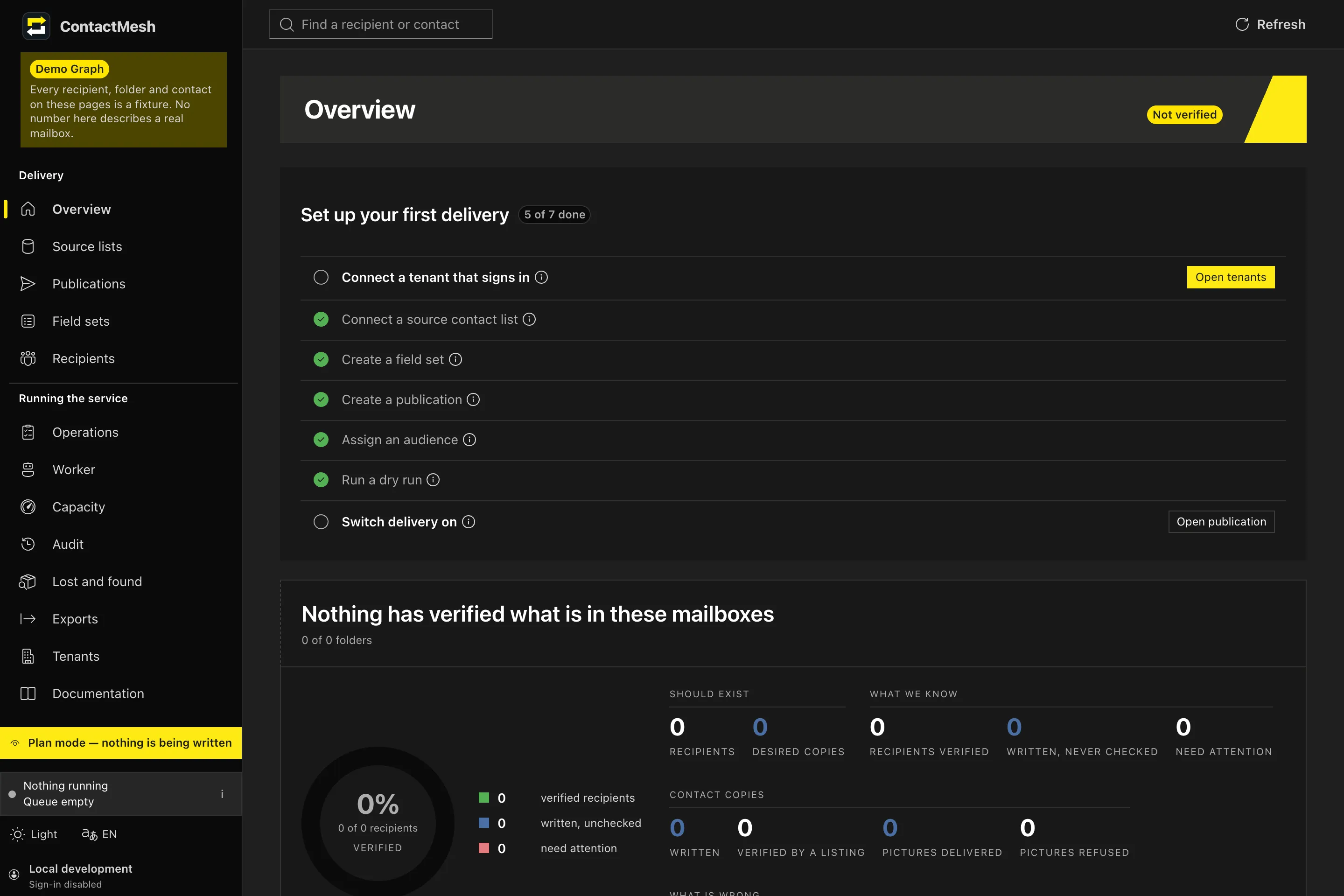
Progress, queue and faults across every user.
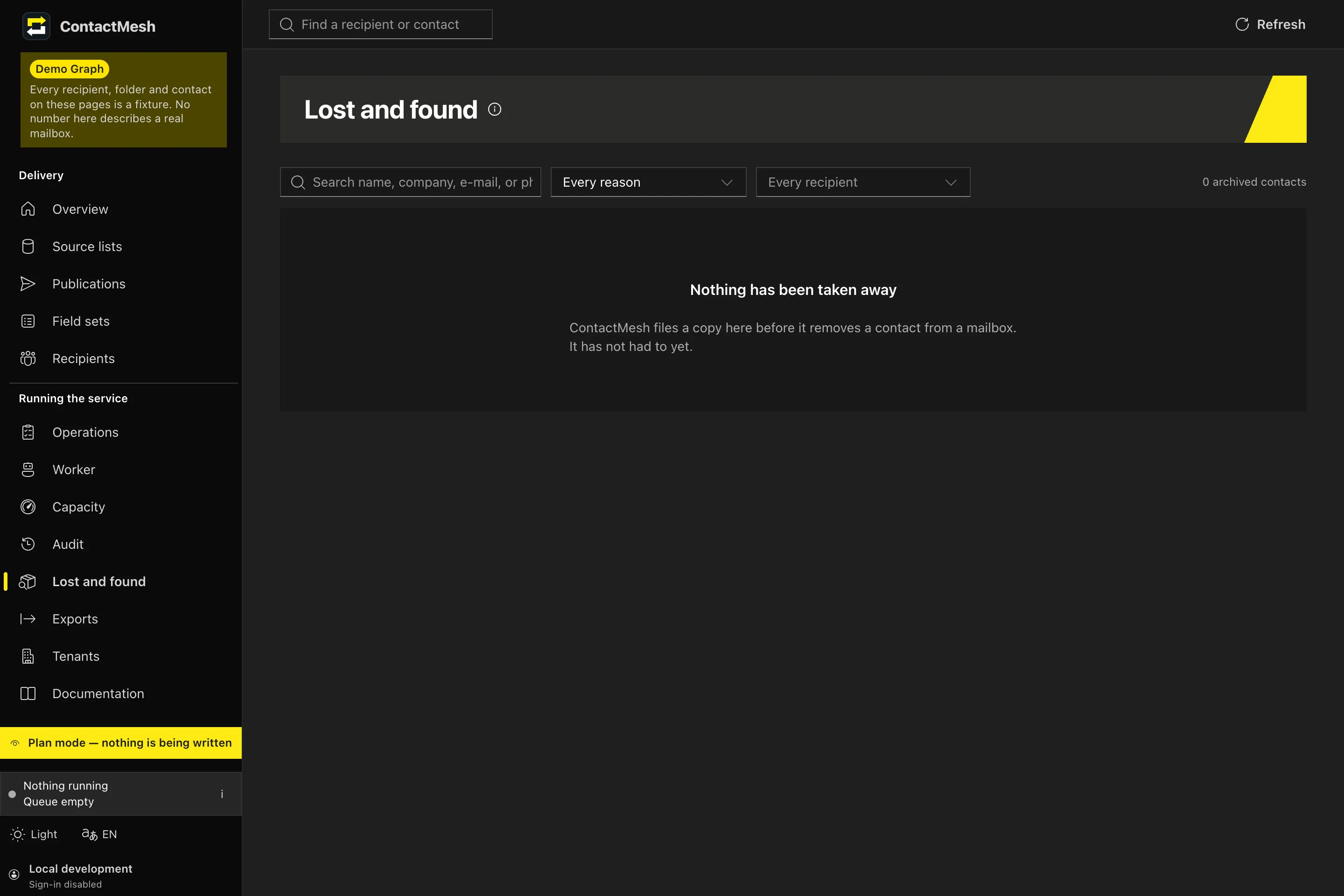
Which source goes to whom, with which fields.
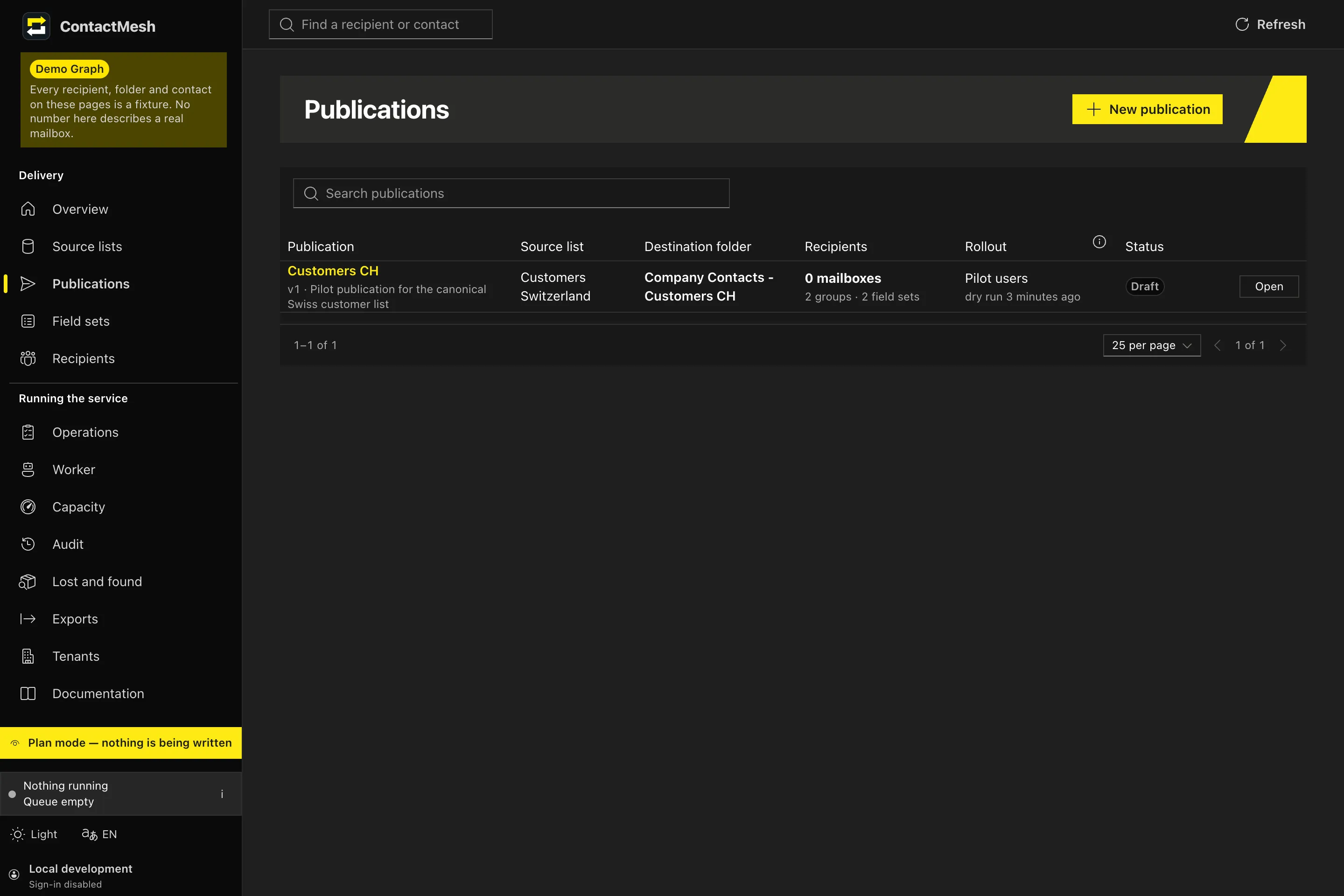
Sync, block and clear, or ignore: field by field.
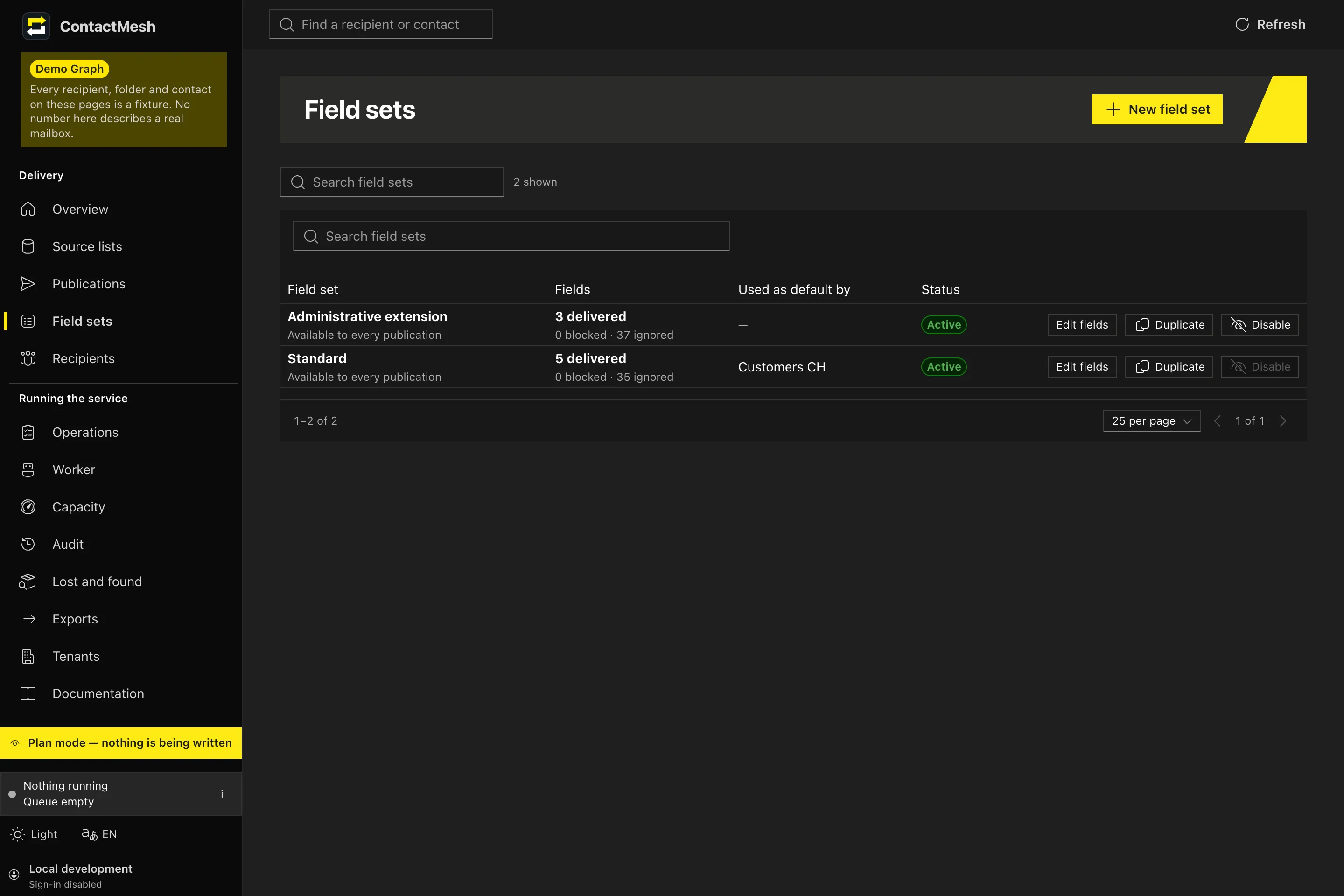
Every removed contact, ready to hand back.
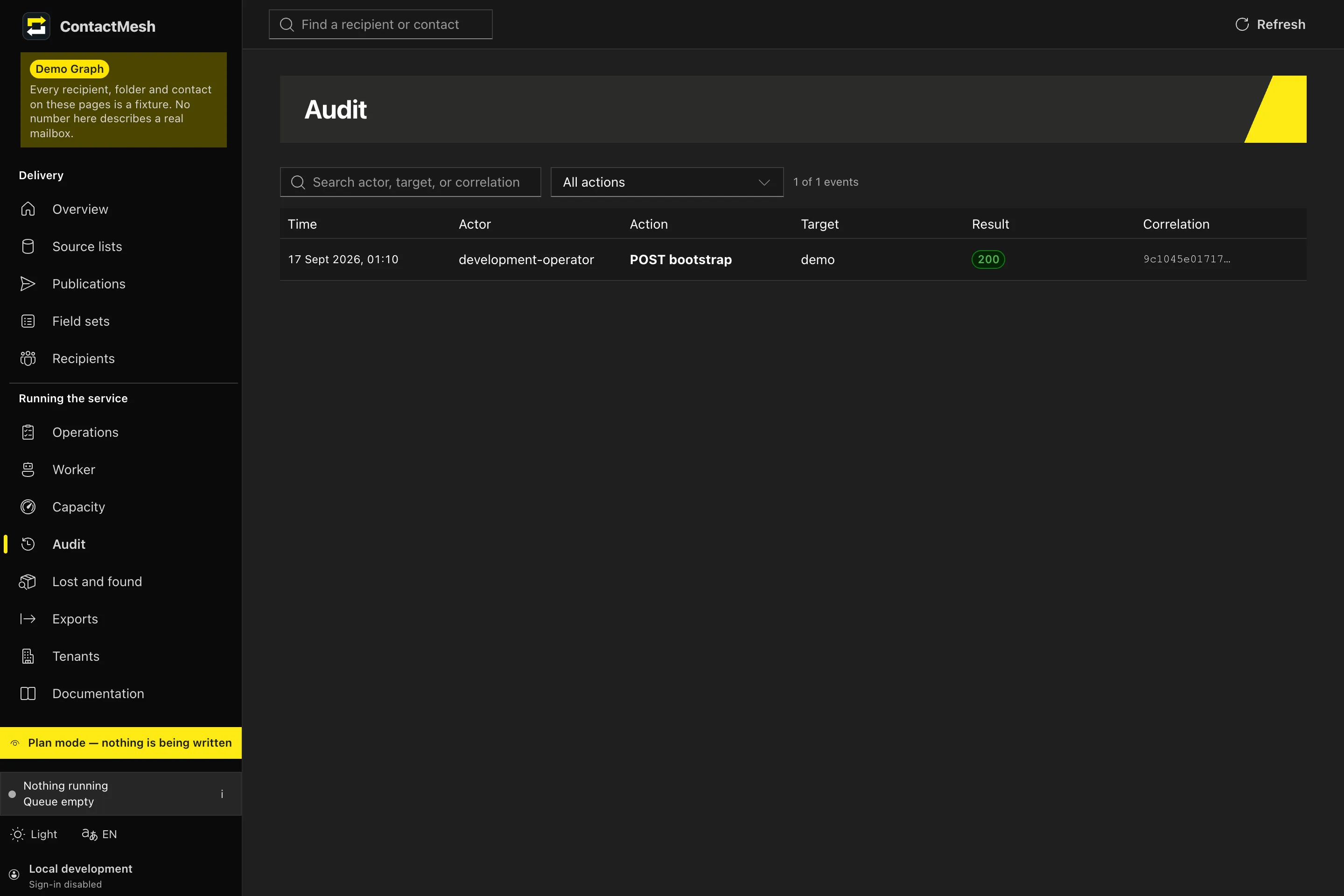
Who did what, when, and what it caused.
Security
It only touches what it owns.
- Least privilege
- Permissions limited to the users in scope, and no further.
- Ownership markers
- Each contact ContactMesh writes carries a marker. A user’s own contacts are left alone unless you explicitly enable cleanup.
- Encrypted at rest
- Credentials and delta checkpoints are encrypted in the database. A deployment refuses to start with a placeholder key.
- Verified clearing
- Restricted fields are cleared with high priority and read back from the platform to prove they are gone.
Pricing
Priced by the people you reach.
Every plan includes the whole product. Plans differ only in size and support.
-
Starter
For a single team or office.
On request- Up to 50 users
- 1 organization
- 2 sources
- Email support
- Recommended
Business
For the whole company.
On request- Up to 250 users
- 3 organizations
- Unlimited sources
- Rollout waves and dry runs
- Priority support
-
Enterprise
Large fleets, or self-hosted on your own infrastructure.
On request- Unlimited users and organizations
- Self-hosted or dedicated cloud
- PRTG and Prometheus integration
- Onboarding and SLA
Early access: pricing is agreed individually with each pilot customer. The plans are a guide, not a binding offer.
FAQ
Questions we hear first
Will it touch my users’ own contacts?
No. ContactMesh writes into its own managed folder in each address book. Contacts it didn’t create are left alone unless you opt in to cleanup, and anything it removes is saved as a vCard first.
Which platforms does it support?
Microsoft 365 today, Google Workspace next. On each platform ContactMesh asks only for contact permissions, limited to the users you choose, and the docs include the exact setup.
What happens when someone leaves the audience?
Their restricted fields are cleared, and the clearing is checked by reading the contacts back. ContactMesh never deletes a whole folder.
Do the contacts show up on phones?
Yes. They are ordinary contacts in each user’s account, so they appear wherever that account’s contacts do, on desktop and on phone.
Can we host it ourselves?
Yes. ContactMesh runs on Docker with PostgreSQL. Self-hosting is part of the Enterprise plan.
Does it support more than one organization?
Yes. Each organization has its own credentials and publishes only to its own users. Publishing from one organization into another isn’t available yet.
See it with your own contacts.
A 30-minute walkthrough on a demo workspace, then a pilot in yours.